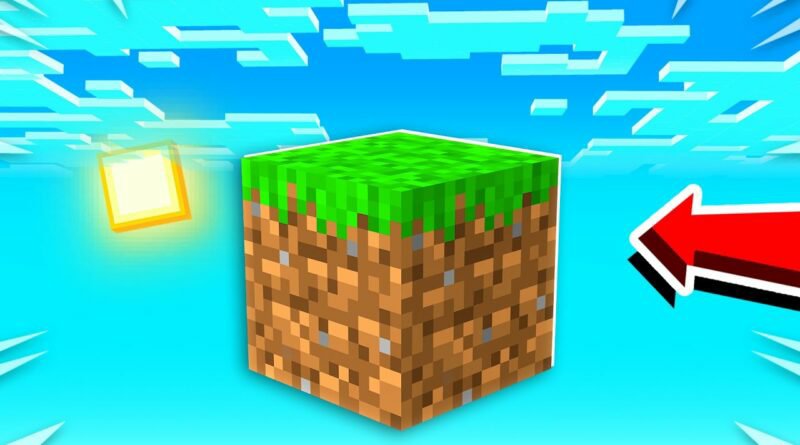
Minecraft One Block in Android
To start the game you’ll need to broke the sole block, the one under your feet. But don’t worry, another one will appear, then another, then another. Many things can appear such as: blocks of various types, minerals, chests, animals or monsters, so take care whenever you break the block!
Every certain number of broken blocks you will go to the next stage, in total there are 10 stages:
– Forest
– Cave
– Snowy
– Desert
– Jungle
– Ocean
– Nether
– Mansion
– Fortaleza
– Miscellaneous
Minecraft One Block Download
Follow the process mentioned below to download and install the One Block map in your Minecraft Pocket Edition. You can install this map in any version of Minecraft pe.
- Firstly download the One Block map from the link provided above.
- Then open file manager and go to the download folder.
- Now to install this Minecraft map, find the map folder and click on it.
- The map will be imported automatically.
- That’s it, you’re now ready to play the map.
 MINI GAMES