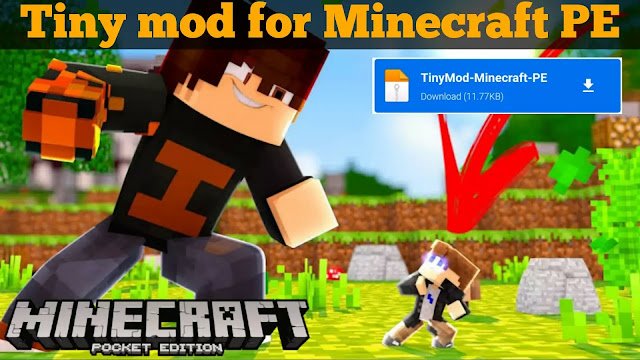
Tiny Mod for Minecraft Pocket Edition
Here’s the features of this Tiny Mod for Minecraft Pocket Edition. In this mod you can choose from tiny, small, normal, big and huge.
Huge- The huge size makes your character a giant and provides you more speed than normal. Also it will give more health and more strength than normal.
Big- This character size makes the player big but not as the huge one. You will still get same speed and strength.
Normal- This is the normal size with same health, strength and speed as normal Minecraft world.
Small- This character size makes the player smaller than normal. This size also decrease speed, health, and strength.
Tiny- The tiny size makes your character so tiny that you almost can’t even see yourself. It also gives you very less health, speed, and strength.
Minecraft Tiny Mod Download
Follow the process mentioned below to download and install the Tiny Mod in your Minecraft Pocket Edition.
- Firstly you need to download the add-on from the link provided above.
- Then open file manager and find out the add-on file.
- Now to install the Tiny Mod in your Minecraft world, simply click on the addon file.
- The mod will be imported automatically.
- Create a new world and make sure to enable the experimental gameplay option from settings.
- Enable the Tiny Mod resources pack and behaviour pack.
- After successfully creating the world save and quit it.
To make the Tiny Mod work you have to go to the behaviour pack. You can find the addon setting button there. Click on the setting button a menu will pop up that lets you choose the character size.
Thats it.
 MINI GAMES